Campaign planner
Ask for a campaign. Approve the plan.
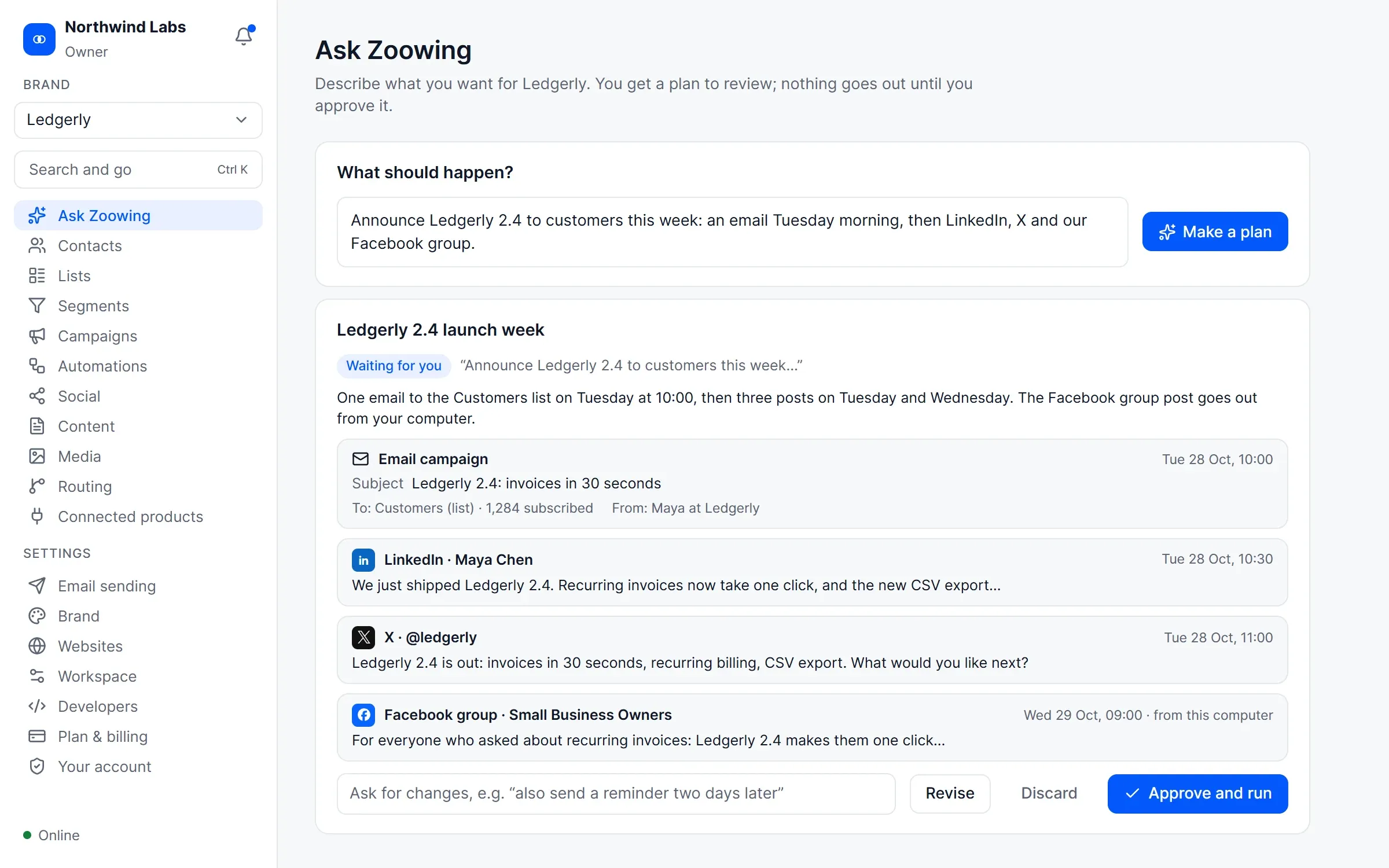
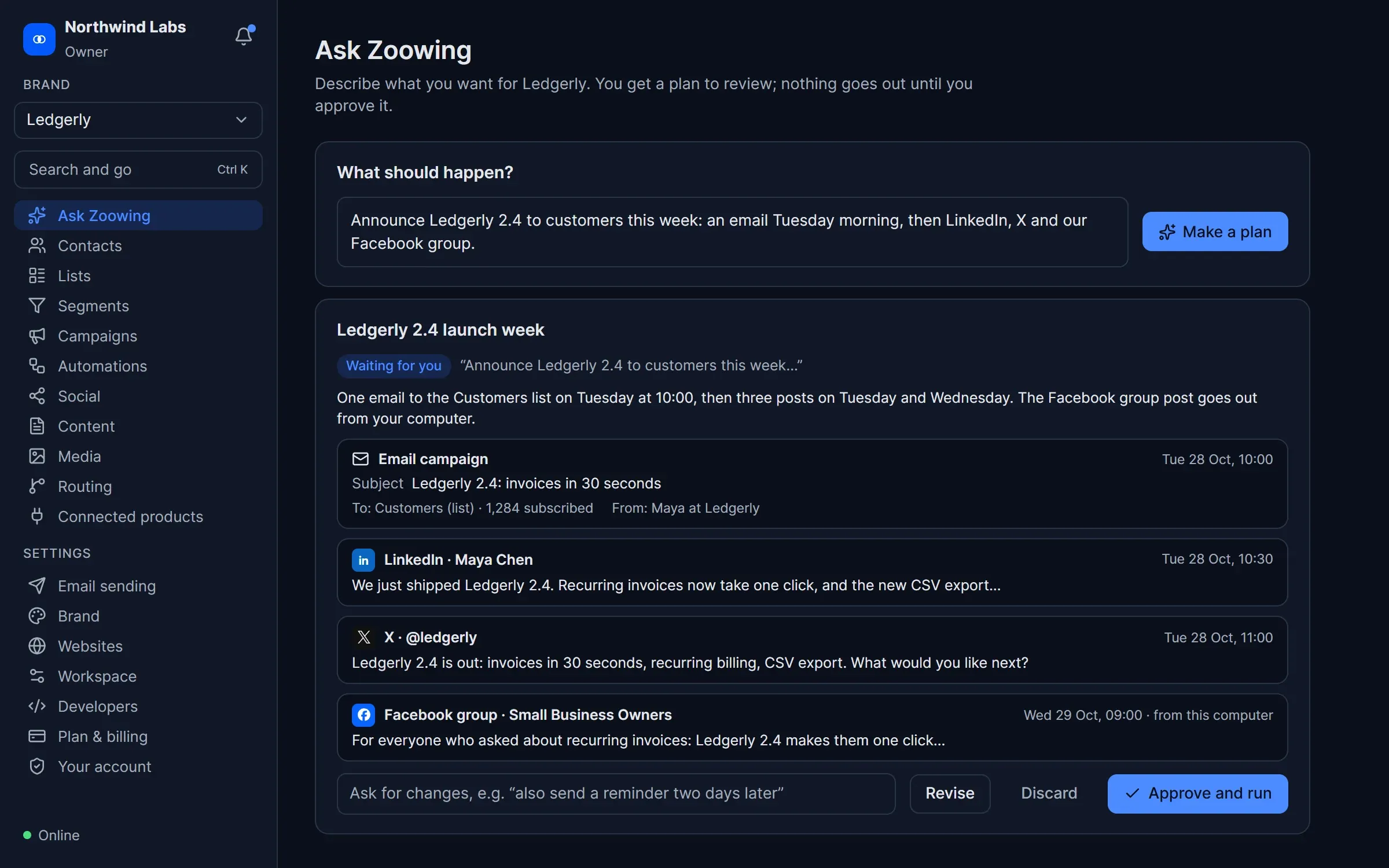
Describe the outcome once. Ask Zoowing turns it into a plan of email campaigns and social posts across your lists and accounts, with subjects, texts and times you can edit before anything is scheduled.
14-day trial of every feature, then the Free plan. No card needed.
AI runs on your own Anthropic key or Revoye on every plan, or on the AI credits included with Cloud and Agency and the trial.
Sound familiar?
Launch week shouldn’t mean ten browser tabs
- “Every release I write the same email and the same four posts from scratch.”
- “I plan the campaign in a doc, then copy it into three tools.”
- “I’d use AI, but I don’t want it posting things I haven’t read.”
- “By the time I schedule the posts, the launch is over.”
Ask
Say what should happen, in your words
Type a request for the selected brand, like “Announce version 2.4 to customers this week”. Ask Zoowing reads your lists, segments, verified senders and connected accounts, so the plan uses what really exists.
- Example prompts to start from
- Questions back when something is unclear
- One brand at a time, in that brand’s context
Approve
Edit, revise, then approve
Every item is editable: subject, audience, sender and time for emails; text, accounts and time for posts. Not quite right? Ask for changes and Revise. When it is right, Approve and run.
- Up to ten email campaigns and social posts per plan
- Approval pins the exact plan you reviewed
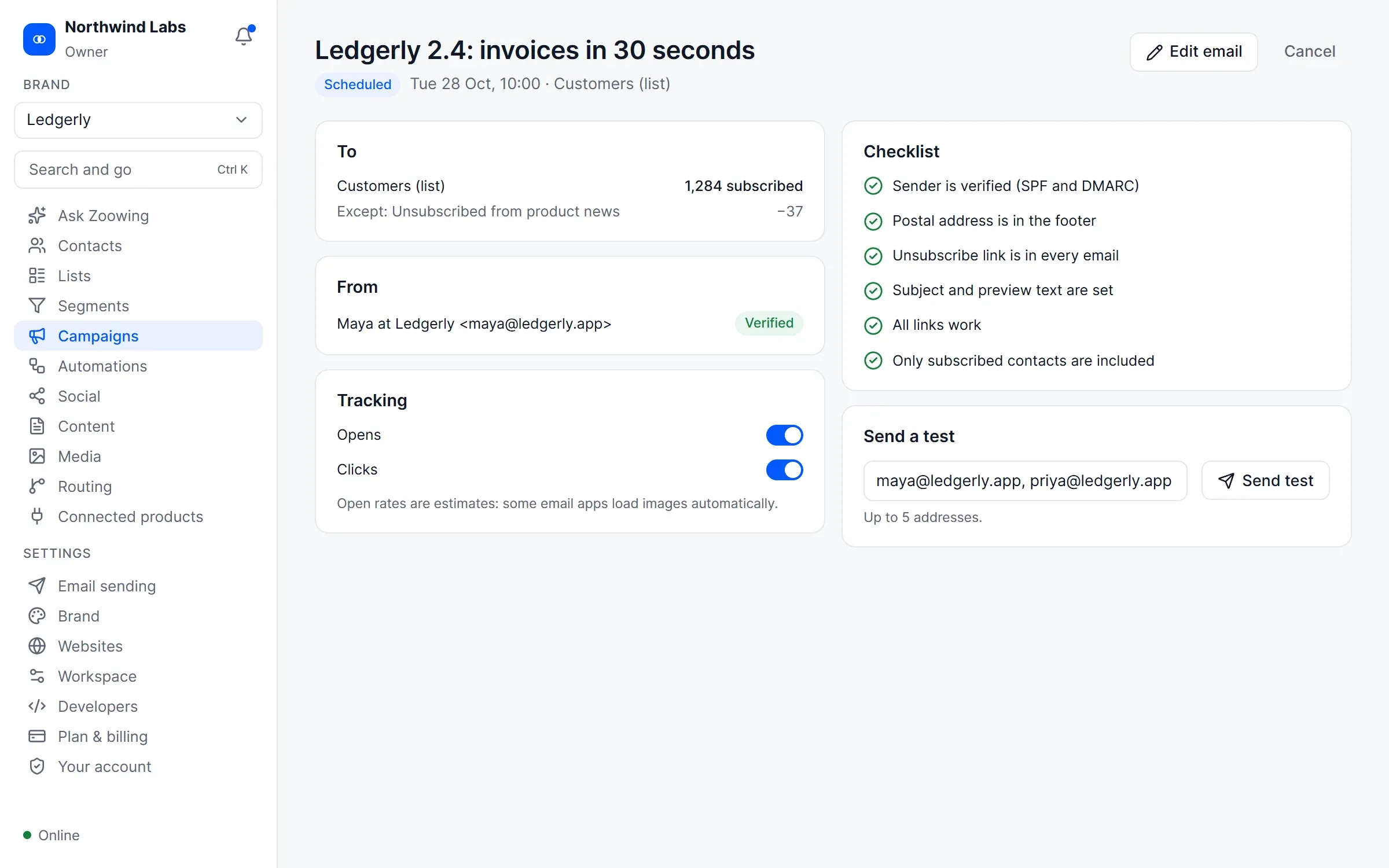
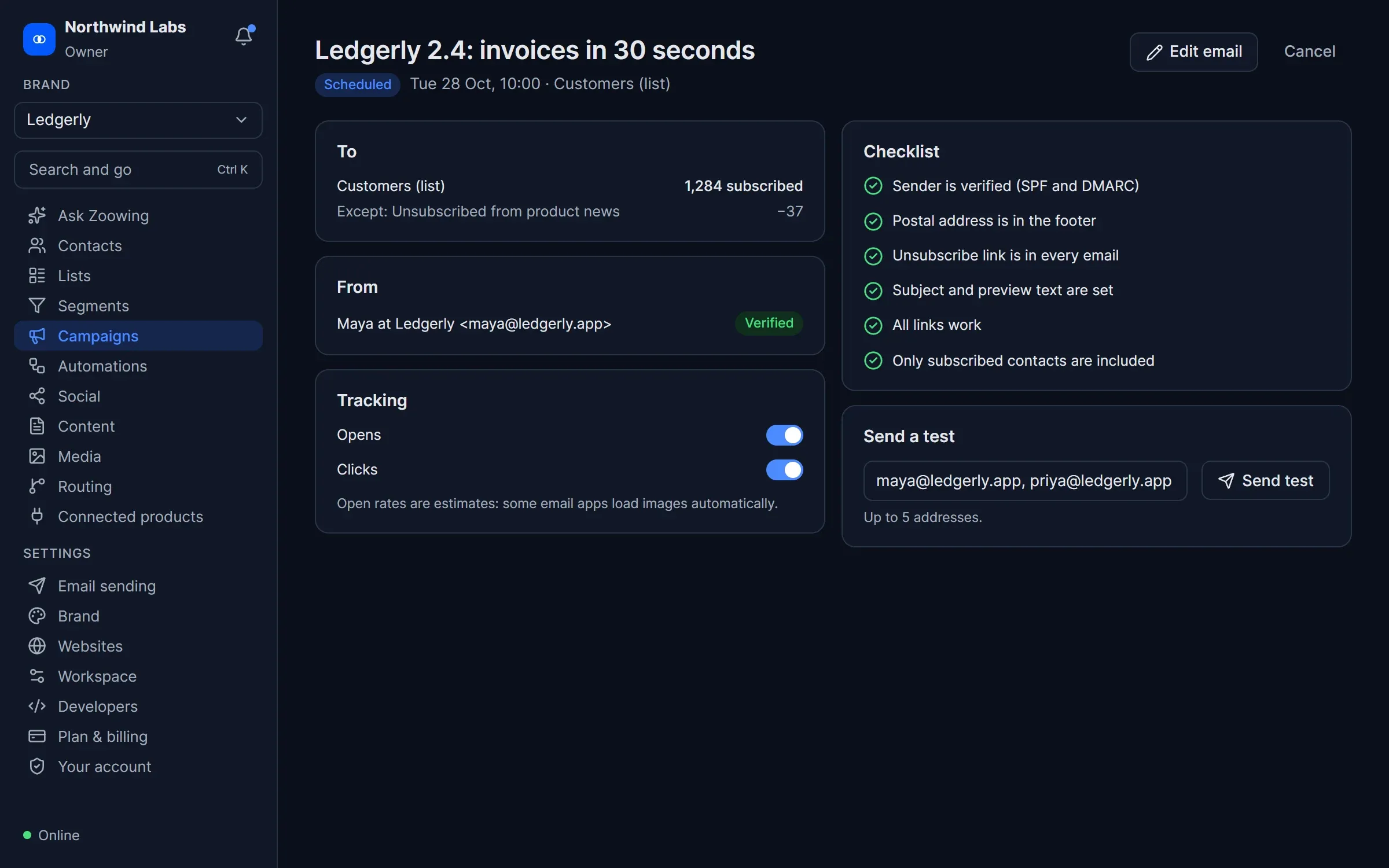
- Each item reports its result: scheduled, draft or why it failed
Autonomy
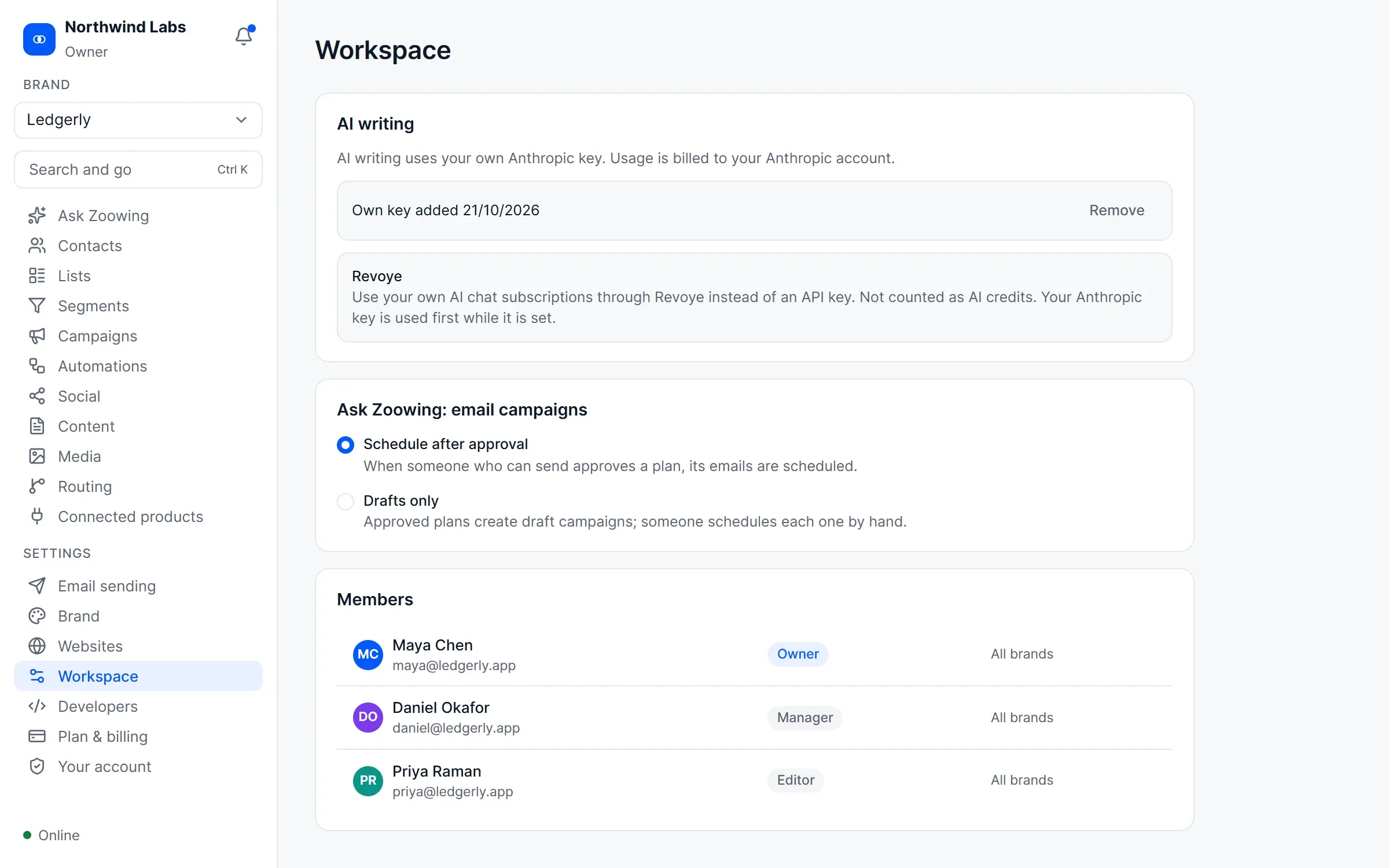
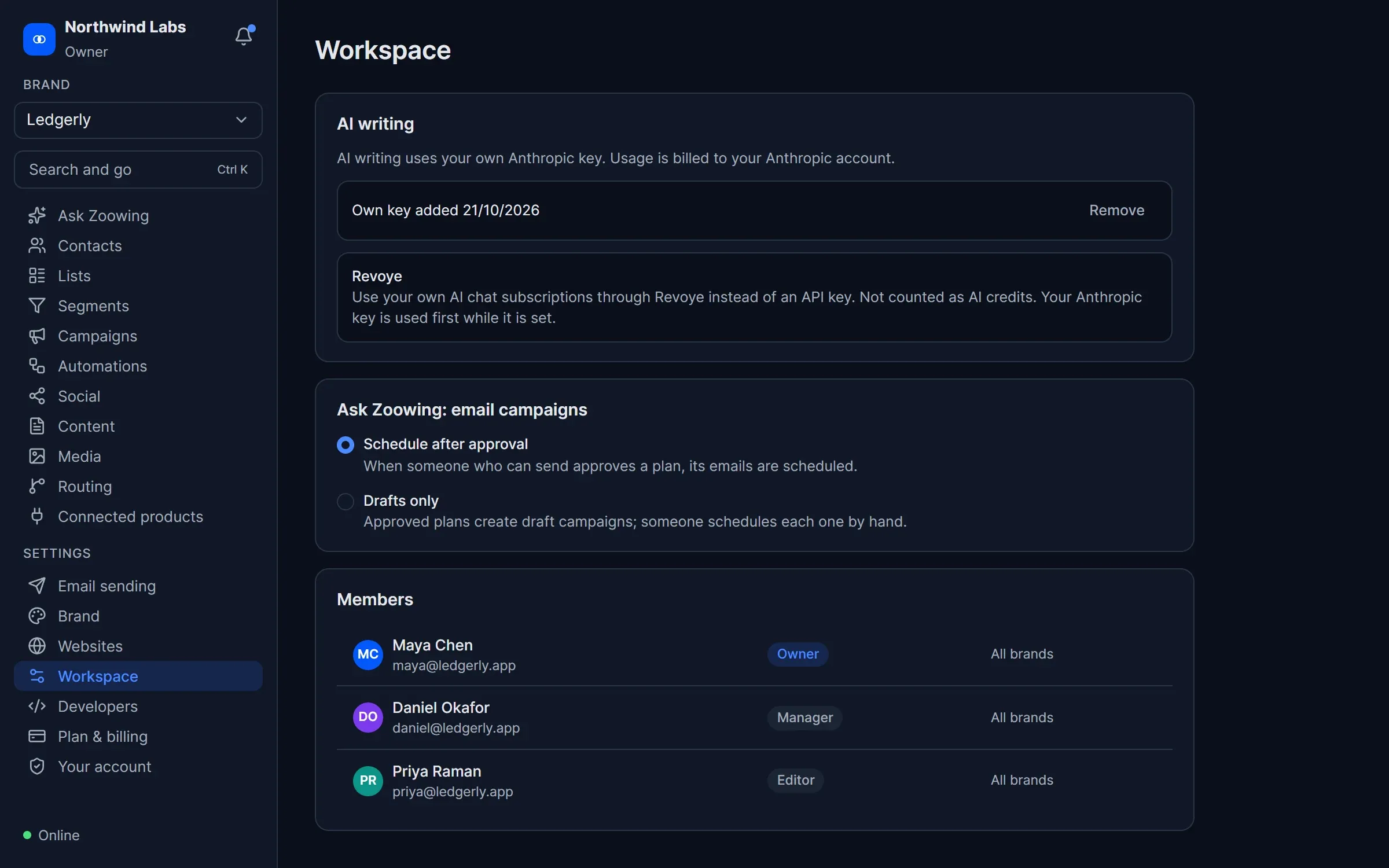
Decide what approval is allowed to do
In Workspace settings, choose “Schedule after approval” or “Drafts only”. With Drafts only, approved plans create draft campaigns that someone schedules by hand.
- Sends requested by Editors are held for approval
- Changing the setting needs the right permission
- Posts from your computer still need the computer on at posting time
✦ See it work
One request, a plan, one click
This is the real flow, step by step: the request, the proposed plan waiting for you, and each item scheduled after approval.
What stays true after you approve
- Emails still go only to subscribed contacts, checked at send time.
- Senders must be set up in Email sending before a campaign can go out.
- Social posts follow each platform’s limits, checked before scheduling.
- A post that can’t go out on time is held and marked Missed, not posted late.
The campaign planner is in the trial and every plan; it uses your own Anthropic key or Revoye, or the AI credits included with Cloud and Agency.
Compare plansFAQ
Questions, answered
What does a plan contain?
Up to ten items, each an email campaign or a social post, with audience or accounts, content and time. Articles, automations and routing are set up in their own screens.
Can I change a plan before approving?
Yes. Edit any field directly and save changes, or type feedback such as “also send a reminder two days later” and Revise.
What happens if I discard a plan?
Nothing is created. Plans only turn into campaigns and posts when someone approves them.
Can it post to Facebook groups or LinkedIn company pages?
Yes, if those accounts are signed in on a computer running the Zoowing desktop app. Those posts go out from that computer, which needs to be on and online at posting time.
Hand the marketing work to Zoowing. Keep the final say.
Bring your brands, products and channels into one workspace. Ask for a campaign, review the plan, approve it.
14-day trial of every feature, then the Free plan. No card needed.