Social publishing
Write once. Post everywhere it belongs.
One post becomes a version for each channel, checked against each platform’s limits. Schedule it, add it to your posting schedule or let AI write a batch, then publish through the platforms’ official APIs or from your own computer.
14-day trial of every feature, then the Free plan. No card needed.
Sound familiar?
Posting everywhere shouldn’t be a part-time job
- “I paste the same text into five apps and fix the length each time.”
- “My scheduler can’t post to the places my customers actually are.”
- “I want to post three times a day without thinking about it.”
- “When a post fails, I find out a week later.”
New post
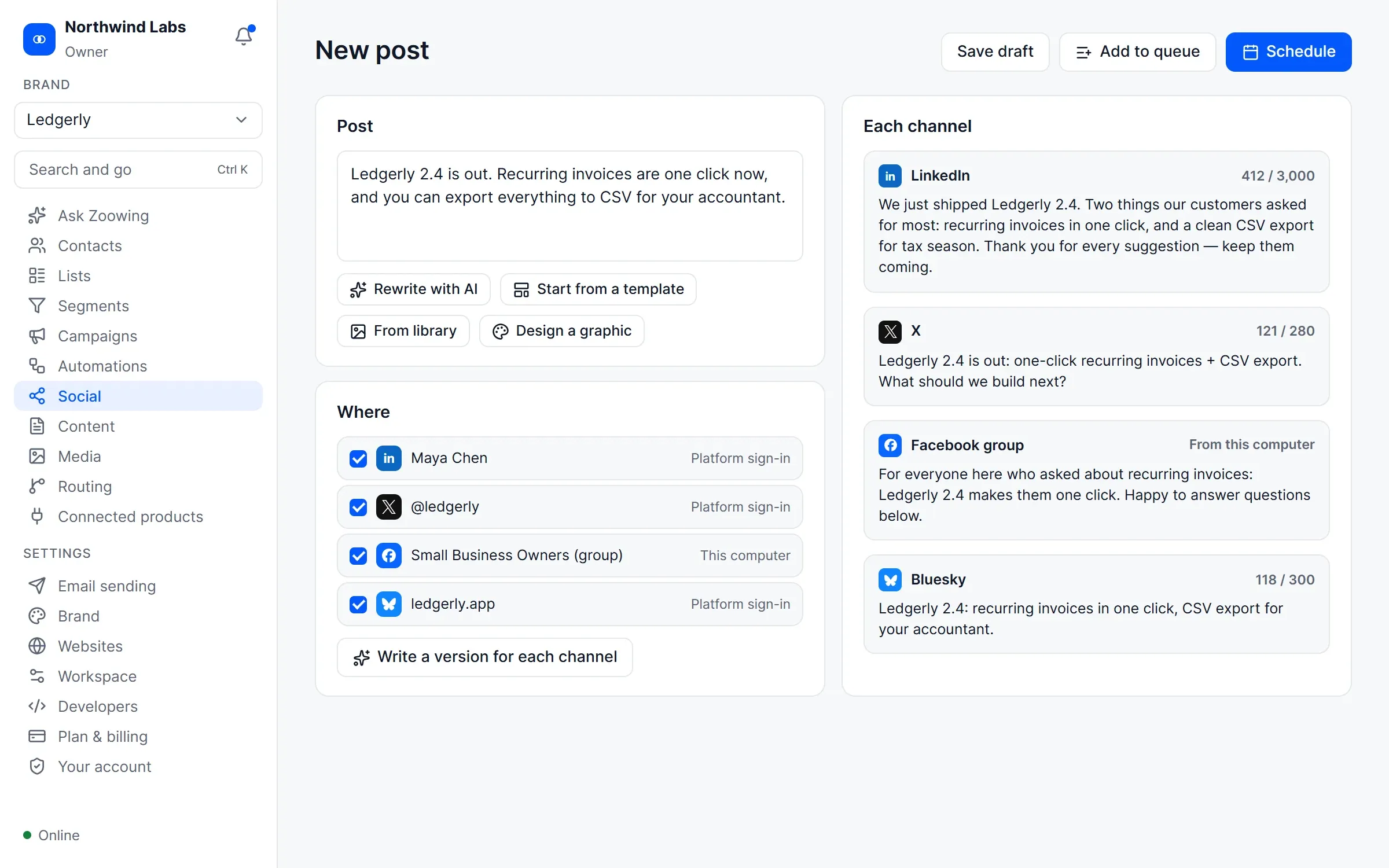
A version for each channel, with live previews
Write the post once and choose where it goes. “Write a version for each channel” adapts it per platform; the preview shows each version and its character count, and problems are flagged before you schedule.
- Rewrite with AI and start from a template
- Images from the media library or a design
- Publish now, schedule, or add to queue
Posting schedule
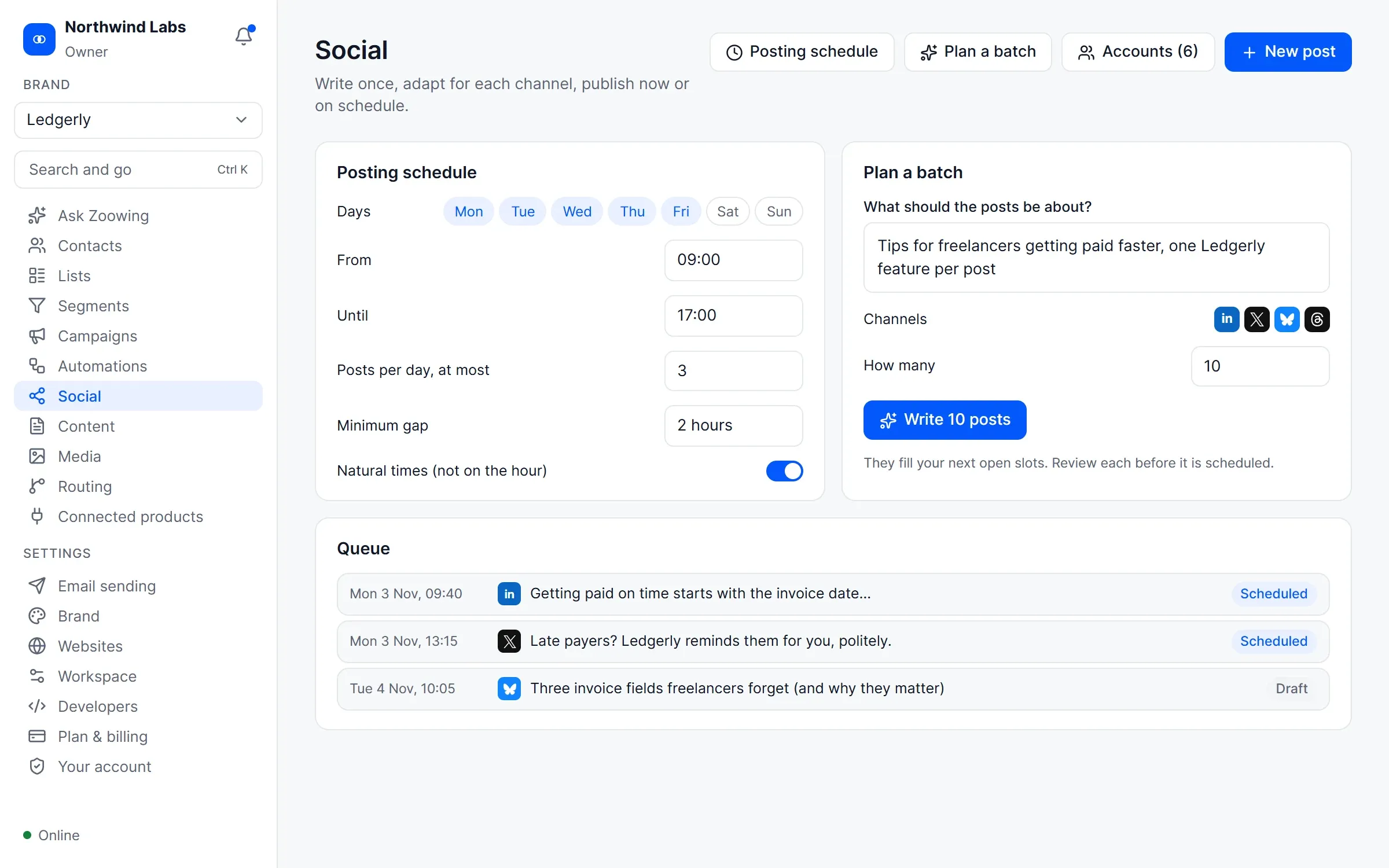
A schedule that fills itself
Set your weekly posting slots: days, hours, posts per day, a minimum gap and natural times. Add posts to the queue, or use Plan a batch and Zoowing writes posts that fill your open slots.
- Channel groups for accounts you always post to together
- A month calendar of everything scheduled and published
- Duplicate a post to reuse it
Graphics
Branded post graphics in a click
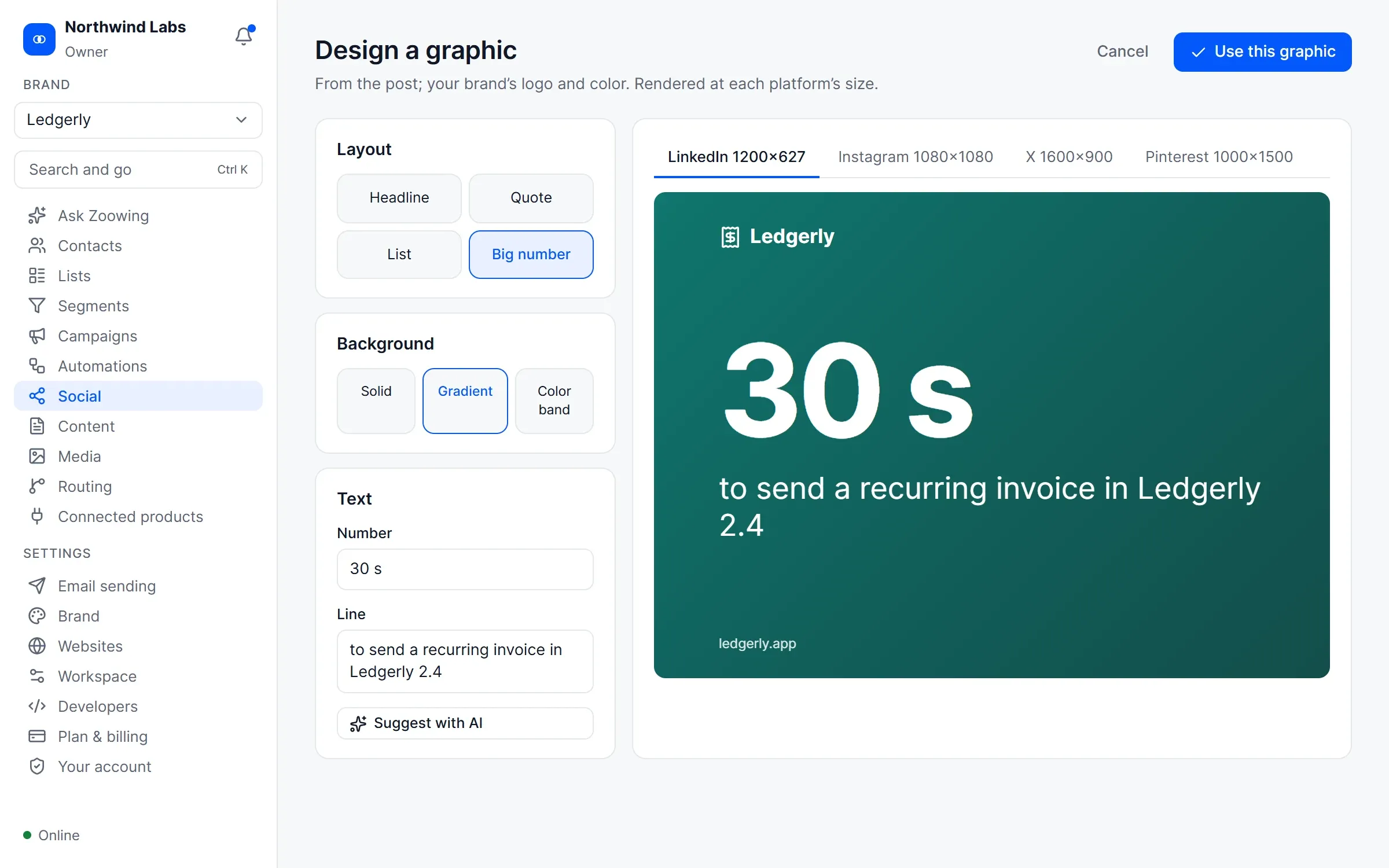
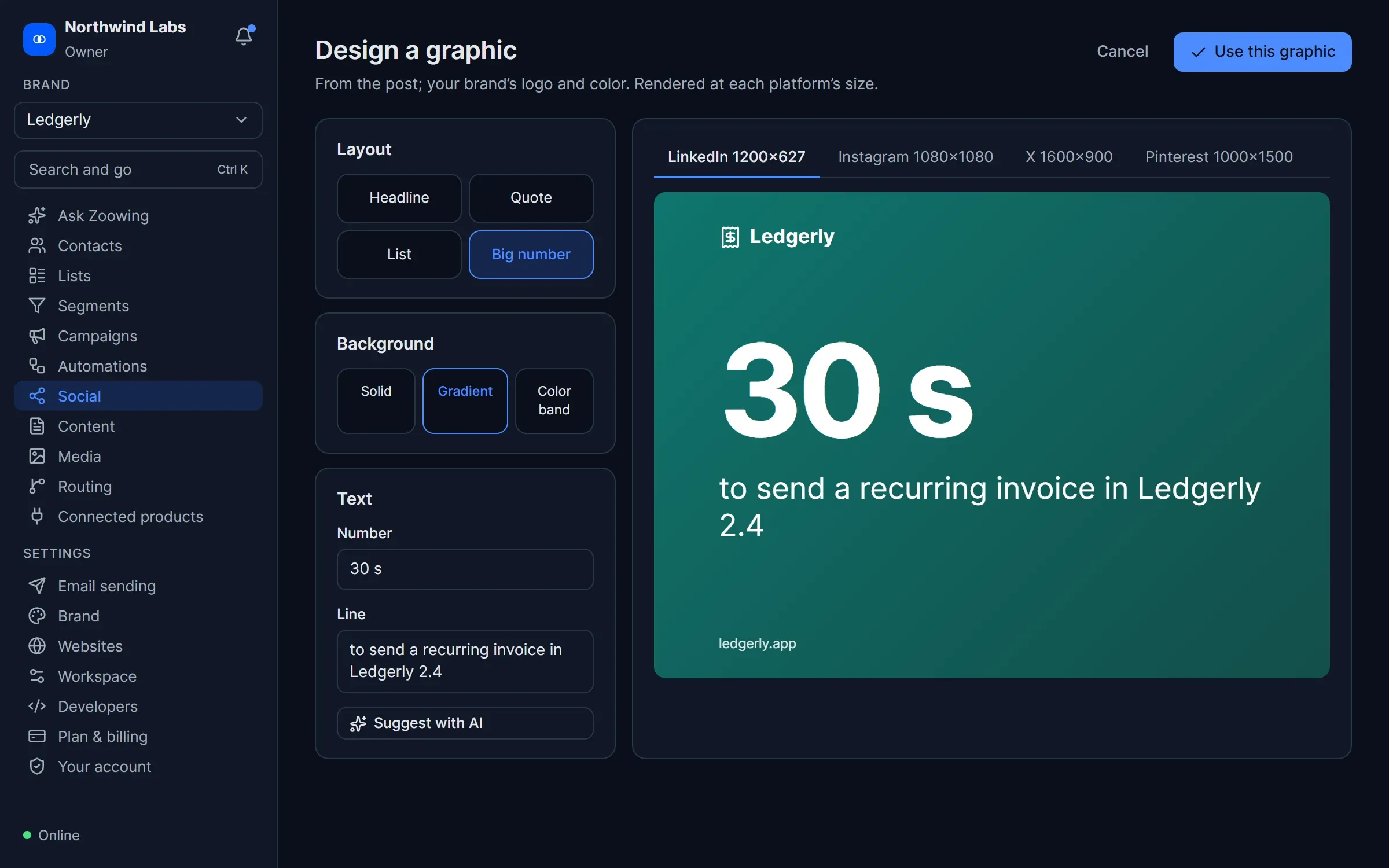
Design a graphic turns your post into an image in your brand, with layouts for a headline, a quote, a list or a big number, rendered at each platform’s size.
- Your logo and brand color
- Sizes for LinkedIn, Instagram, X and Pinterest
Two ways to publish
The API from the cloud, or your own computer
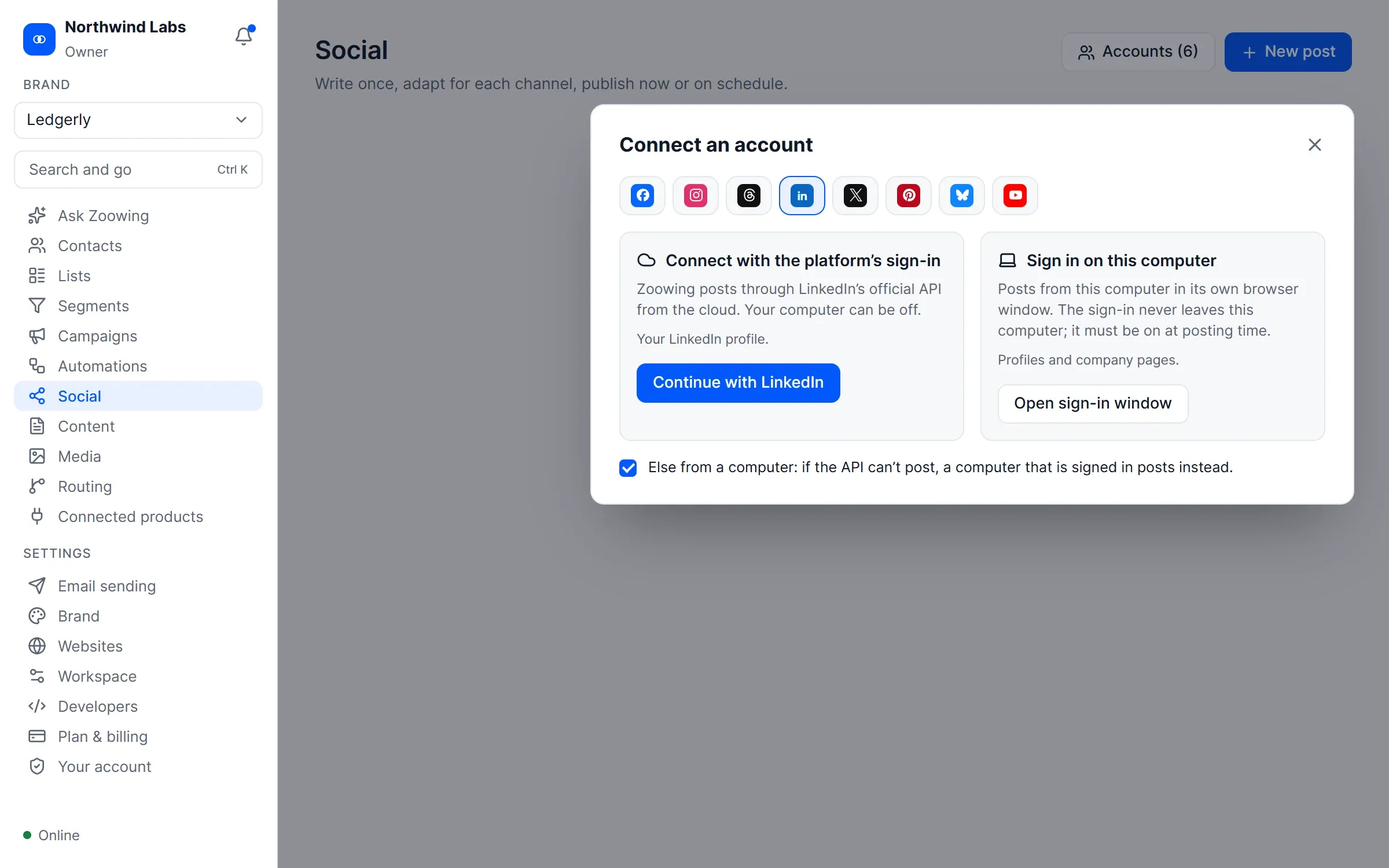
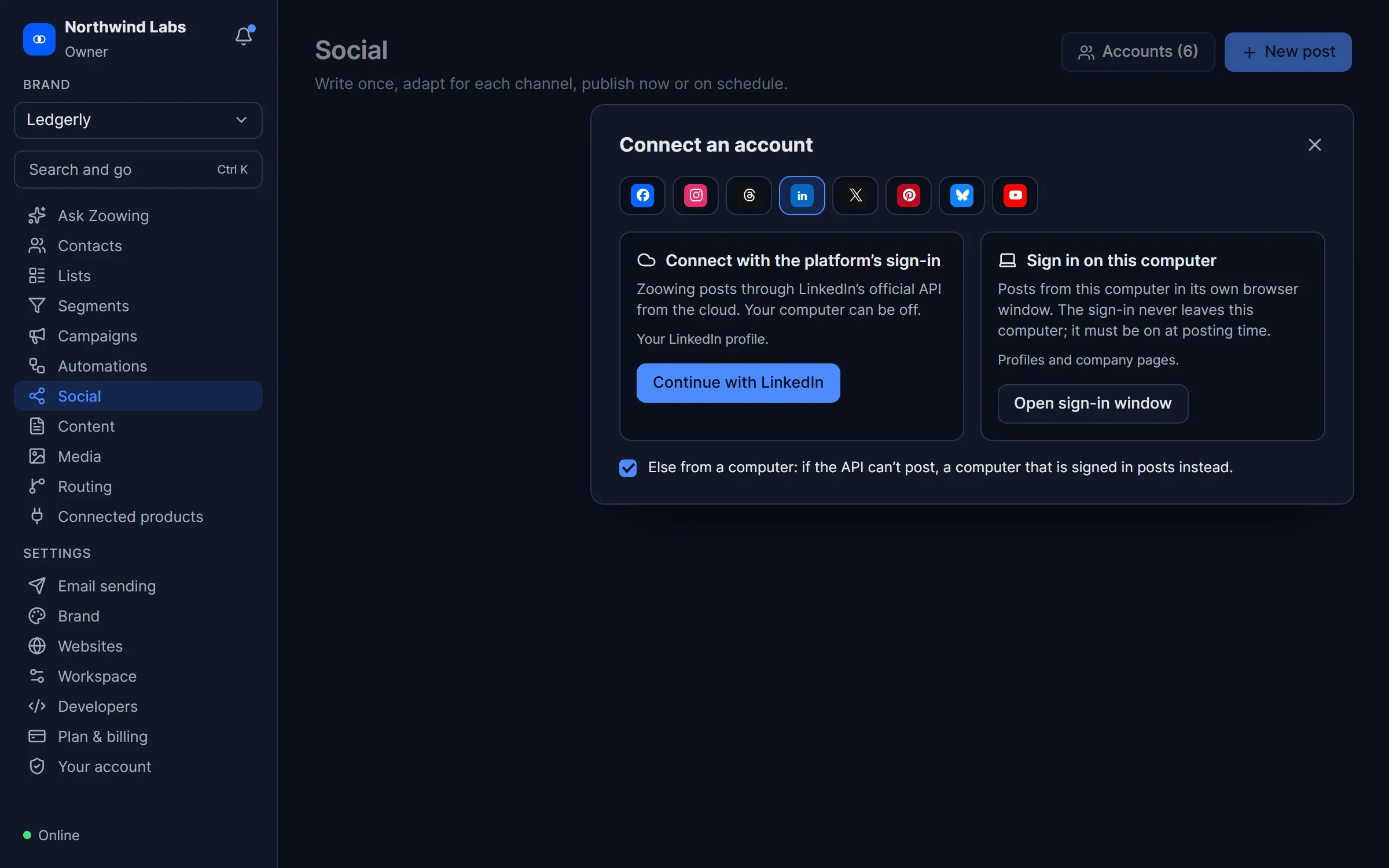
Connect an account with the platform’s sign-in to publish from the cloud through the official API. Or sign in on your computer with the desktop app to post where APIs stop: personal profiles, Facebook groups and LinkedIn company pages.
- Official APIs for Facebook Pages, Instagram Business, Threads, LinkedIn profiles, X, Pinterest boards and Bluesky
- Fallback from the API to a computer, or the other way round
Small things that prevent big mistakes
-
Missed, not late
A post that can’t go out on time is held and marked Missed, and you are told. It never posts hours later by surprise.
-
Failures surface
Failed and missed posts appear in the notification bell inside the app.
-
Limits checked first
Each platform’s text and image limits are validated before scheduling, the same way in the app and on the server.
-
Calendar
A month view of every scheduled and published post across your accounts.
Every plan publishes to social accounts: 3 on Free, 10 on Desktop, 25 on Cloud and 100 on Agency. The media library is part of Cloud, Agency and the trial.
Compare plansFAQ
Questions, answered
Which platforms can I post to?
Through official APIs: Facebook Pages, Instagram Business accounts, Threads, LinkedIn profiles, X, Pinterest boards and Bluesky. From your computer with the desktop app: personal profiles on those platforms, Facebook groups, LinkedIn company pages and YouTube channel Community posts.
Can I post videos?
Not yet. Zoowing posts text, links and images.
Do you pick the best time to post from my results?
No. You set your posting schedule, and Zoowing spreads posts across those slots, with natural times if you like.
What happens if my computer is off when a computer post is due?
The post is held and marked Missed, and you are notified. You can reschedule it, or set the account to fall back to the API where possible.
Hand the marketing work to Zoowing. Keep the final say.
Bring your brands, products and channels into one workspace. Ask for a campaign, review the plan, approve it.
14-day trial of every feature, then the Free plan. No card needed.