Email marketing
Email campaigns sent from your own provider
Write, check and schedule campaigns to your lists and segments, and send them through your own SMTP server, Brevo or MailBridge. Your sending reputation stays yours, and so does your deliverability data.
14-day trial of every feature, then the Free plan. No card needed.
Sound familiar?
The usual email tools make you rent their reputation
- “My emails land in spam because I share an IP with strangers.”
- “I already pay for Brevo; why pay again for a second sender?”
- “Every time my list grows, the email bill jumps.”
- “I’m never sure an email is ready until it’s too late.”
Email sending
Bring the provider you already trust
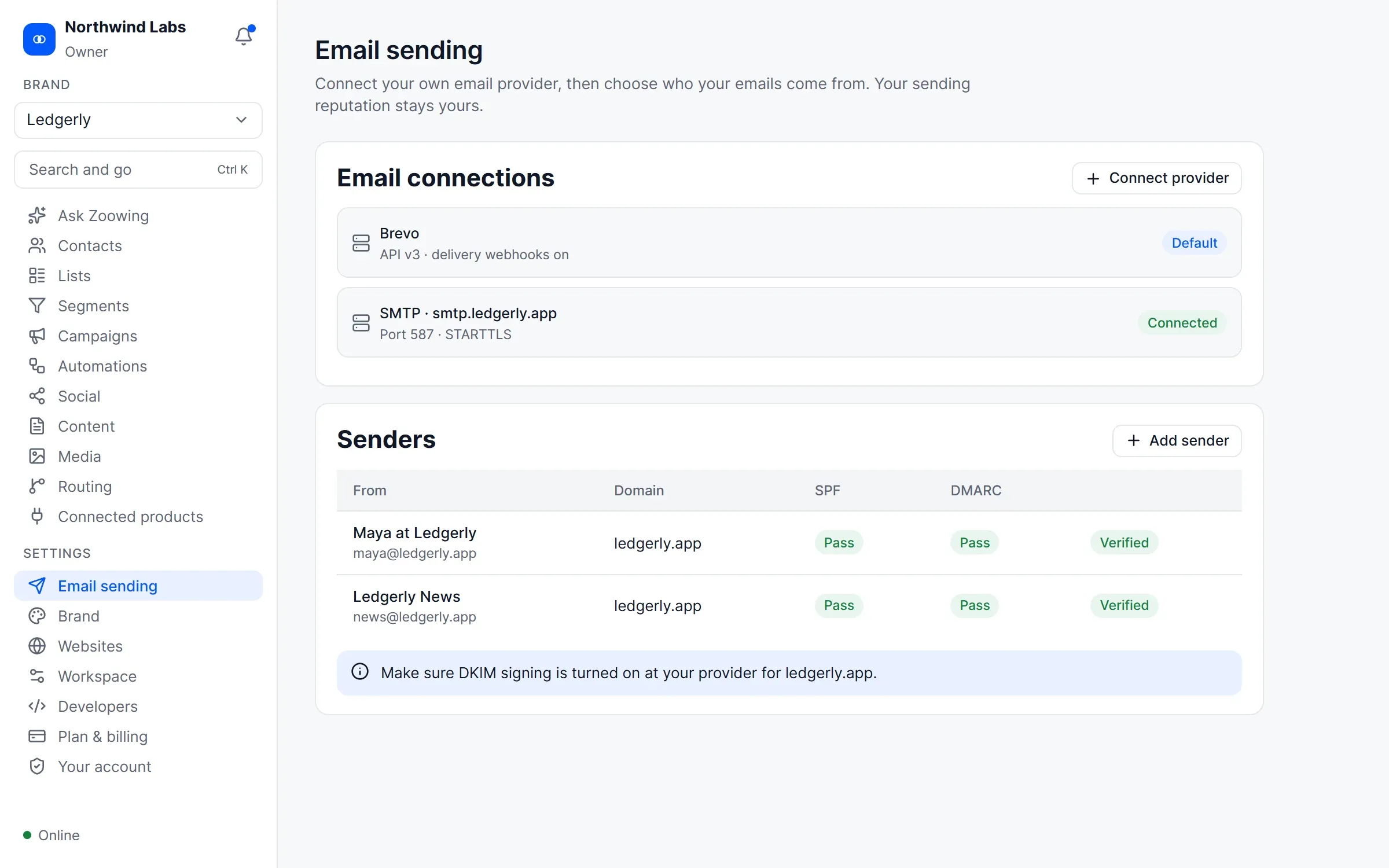
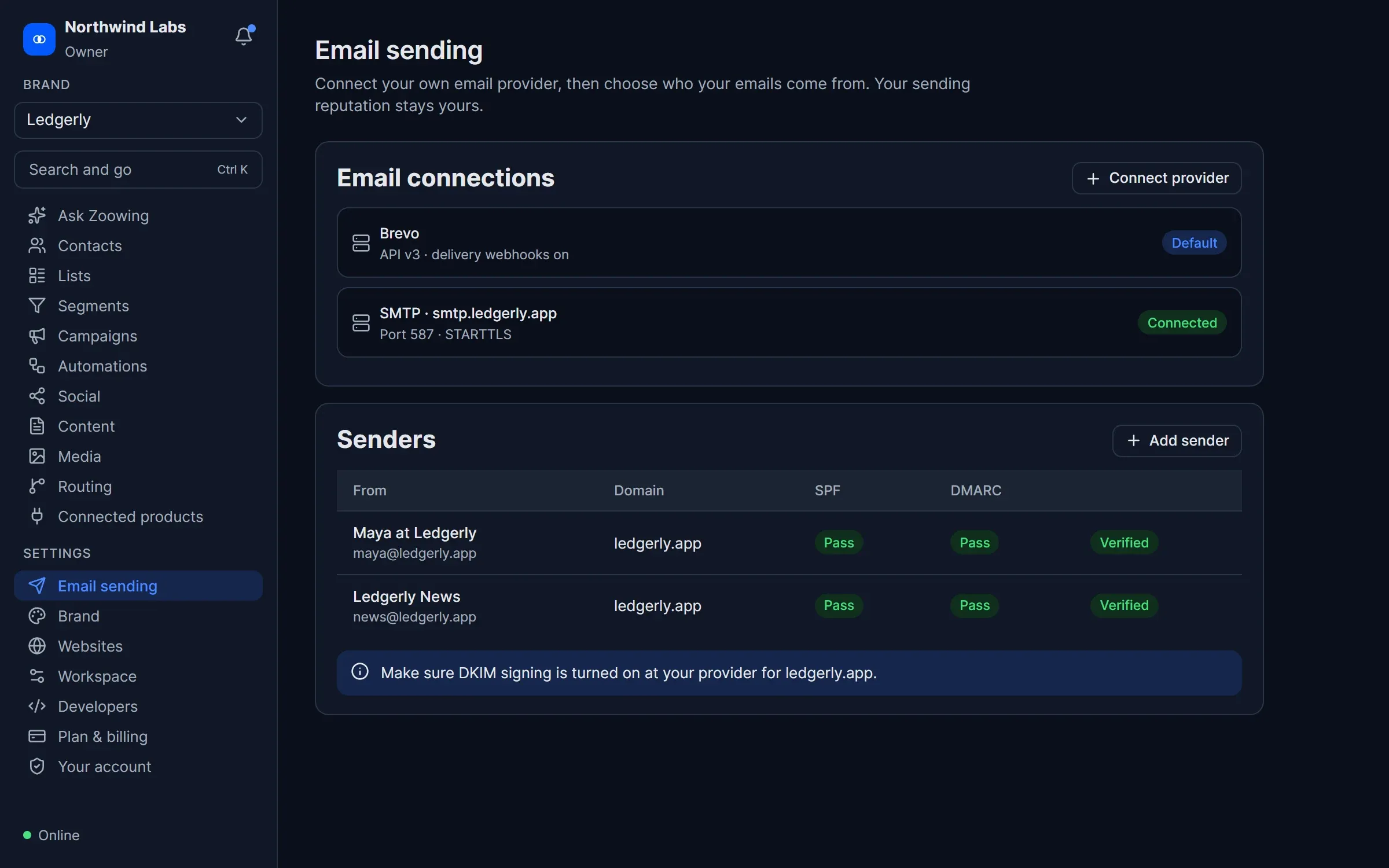
Connect any SMTP server, Brevo or MailBridge under Email sending, then add the from-addresses you send as. Zoowing checks SPF and DMARC for each sending domain and shows what needs attention.
- SMTP with TLS or STARTTLS
- Brevo and MailBridge with delivery, bounce and complaint updates
- A test email from every sender
Editor
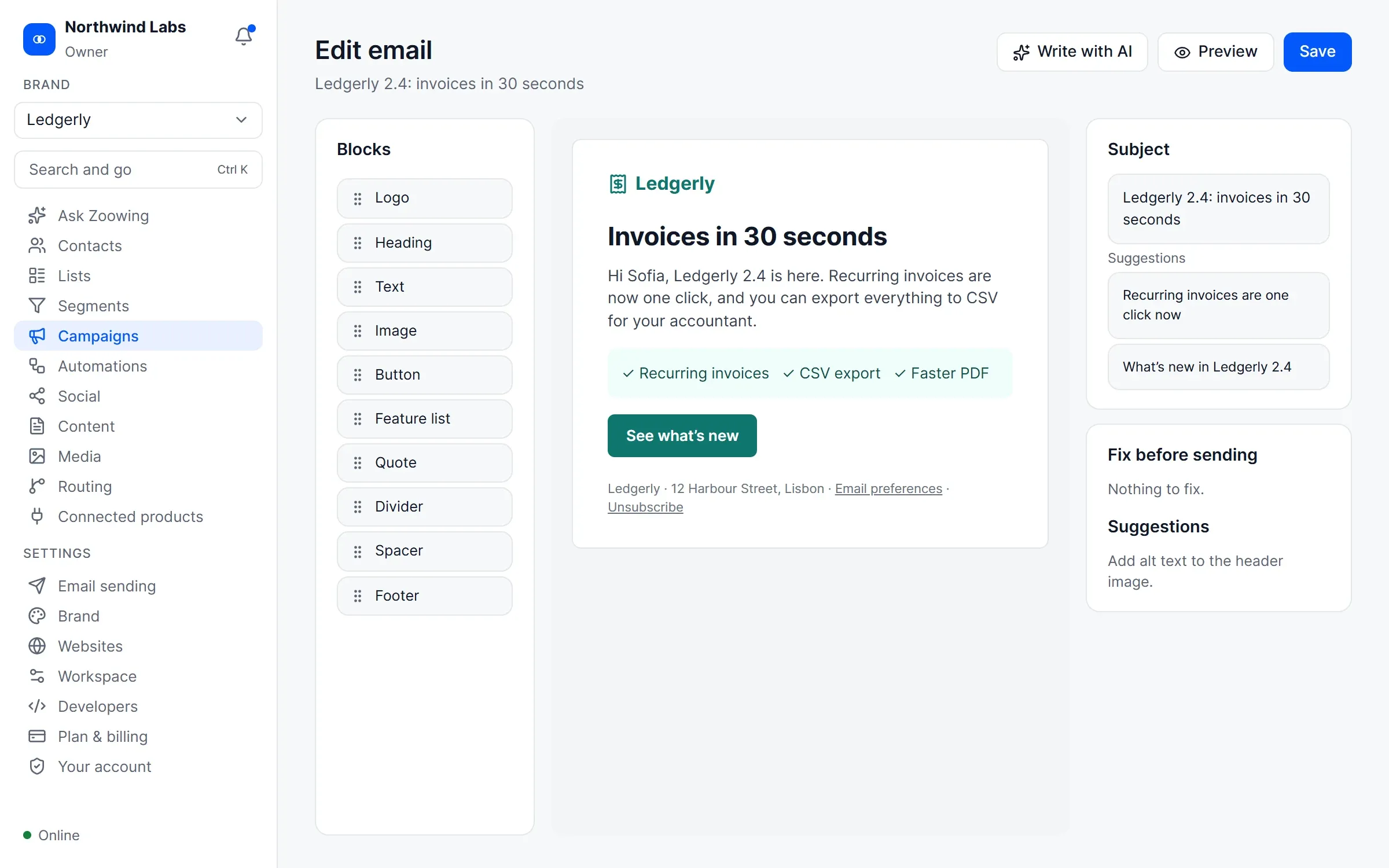
A block editor with checks before you send
Build emails from blocks (heading, text, image, button, feature list, quote, custom HTML, footer) with desktop and mobile previews and merge tags. “Fix before sending” catches problems; “Suggestions” helps polish.
- Write with AI from a brief, notes or a web page
- Up to three subject-line suggestions
- Send a test to up to five addresses
Campaigns
Ready means ready
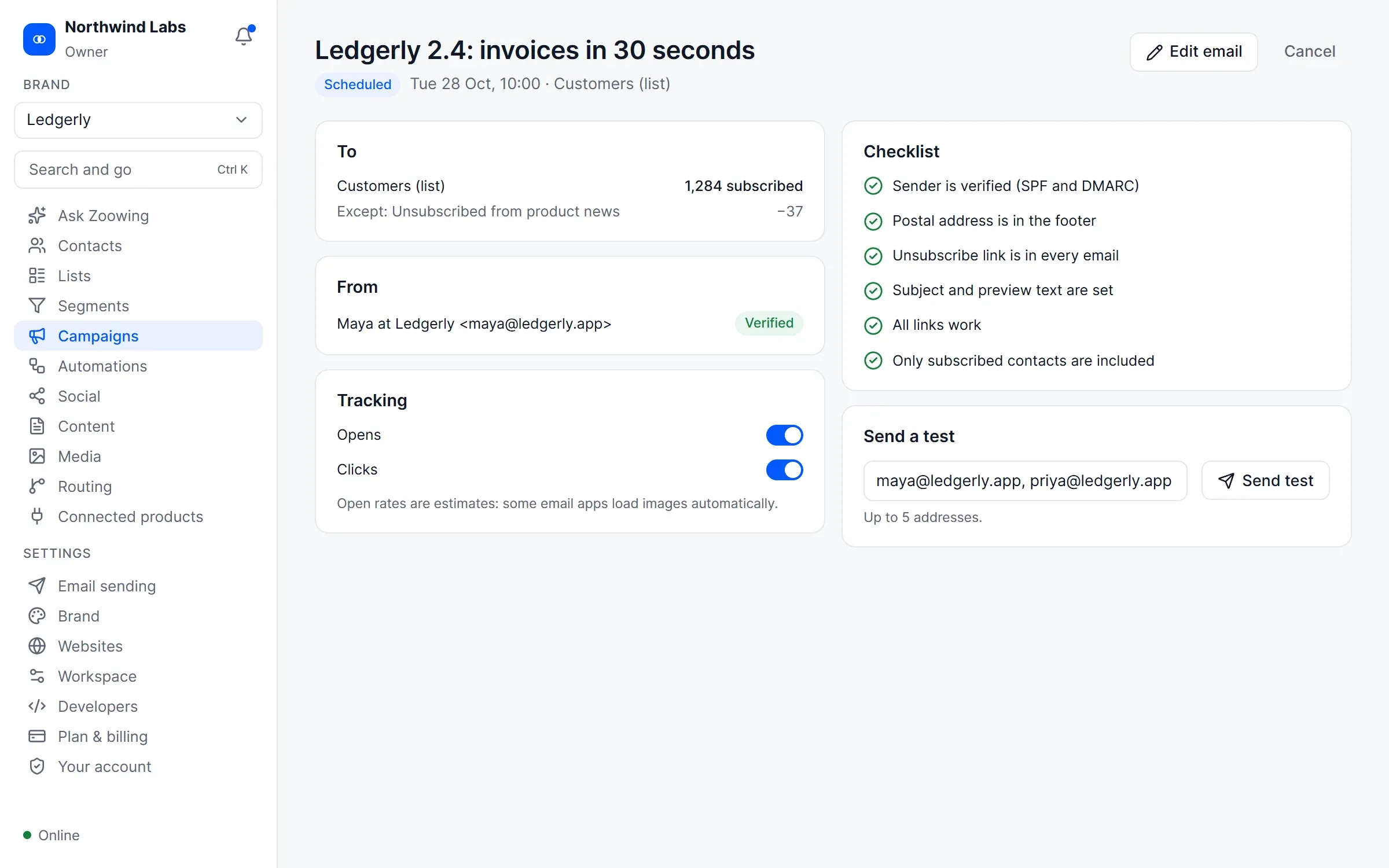
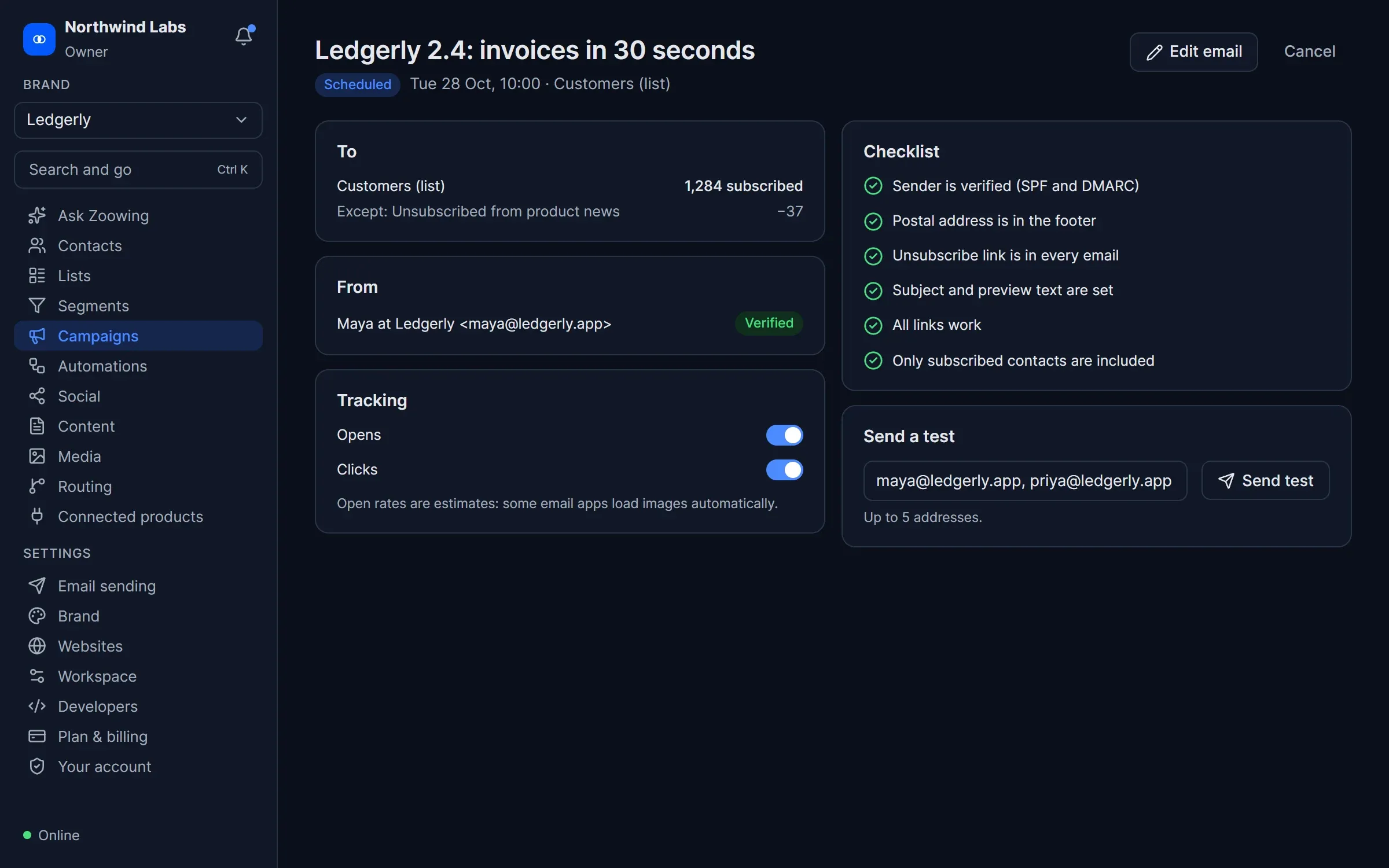
Pick lists or segments, exclude who shouldn’t get it, and send now or on a schedule. The checklist must pass first, and you can watch progress while it sends or cancel it.
- Only subscribed contacts receive campaigns
- Opens and clicks tracked by Zoowing, the same on every provider
- A links-clicked report per campaign
Built in
Respect for the inbox, by default
-
One-click unsubscribe
Every email links to a preference page, plus the one-click List-Unsubscribe header where your provider carries headers.
-
Topics people choose
Lists marked as topics appear in the preference page so people opt in to what they want.
-
Automatic suppression
Bounces, complaints and erased contacts never receive another campaign.
-
Postal address required
Marketing emails include your brand’s postal address; campaigns can’t send without one.
-
Safe start for new accounts
New accounts have a daily sending cap that protects your domain while it builds a history.
-
Tracking you control
Turn open or click tracking off per campaign. Zoowing tells you open rates are estimates.
Every plan sends email through your own provider. Plans differ in monthly emails, from 1,000 on Free to 300,000 on Agency, and paid plans remove the “Sent with Zoowing” footer.
Compare plansFAQ
Questions, answered
Does Zoowing send the email itself?
No. Zoowing sends through the provider you connect: an SMTP server, Brevo or MailBridge. You keep your provider account, its reputation and its pricing.
Which providers are supported?
Any SMTP server, Brevo and MailBridge. Amazon SES, SendGrid, Postmark, Mailgun and Resend can be used through their SMTP settings.
How are opens and clicks measured?
Zoowing adds its own tracking, so reports look the same on every provider. You can turn tracking off per campaign, and opens are shown as estimates.
Do you check DKIM?
Zoowing checks SPF and DMARC records for your sending domain. For DKIM, it reminds you to turn signing on at your provider.
What is the “Sent with Zoowing” footer?
A small link in emails sent on the Free plan and during the trial. Desktop, Cloud and Agency plans remove it.
Hand the marketing work to Zoowing. Keep the final say.
Bring your brands, products and channels into one workspace. Ask for a campaign, review the plan, approve it.
14-day trial of every feature, then the Free plan. No card needed.